auto race
2. Control Schemes
For the best experience, it is recommended to play this game on a computer.
The game supports two primary operation modes: Manual Mode and Auto-Pilot Mode.
| Action | Keyboard Command | Mobile/Touch |
| Movement | WASD / Arrow Keys | Left/Right Steering |
| Manual Steering | Arrow Keys (Only when AI is OFF) | Touch Left/Right |
| Acceleration | Up Arrow | Automatic based on limit |
| Fire Missile | Space Bar | On-screen Button |
| Toggle AI Pilot | M Key | N/A (Enabled by default) |
🌦 Weather Systems & Environment
The game features a dynamic climate system that cycles every 60 seconds. Most modes affect the gameplay mechanics:
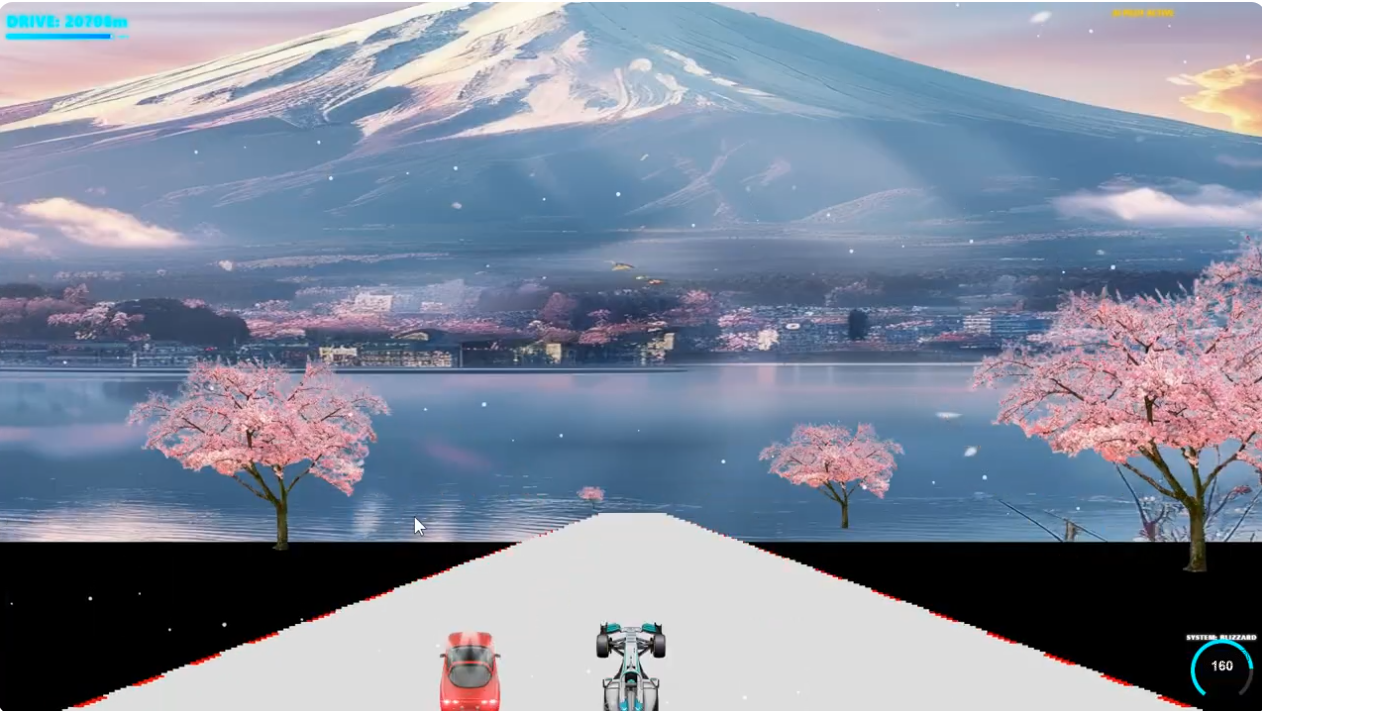
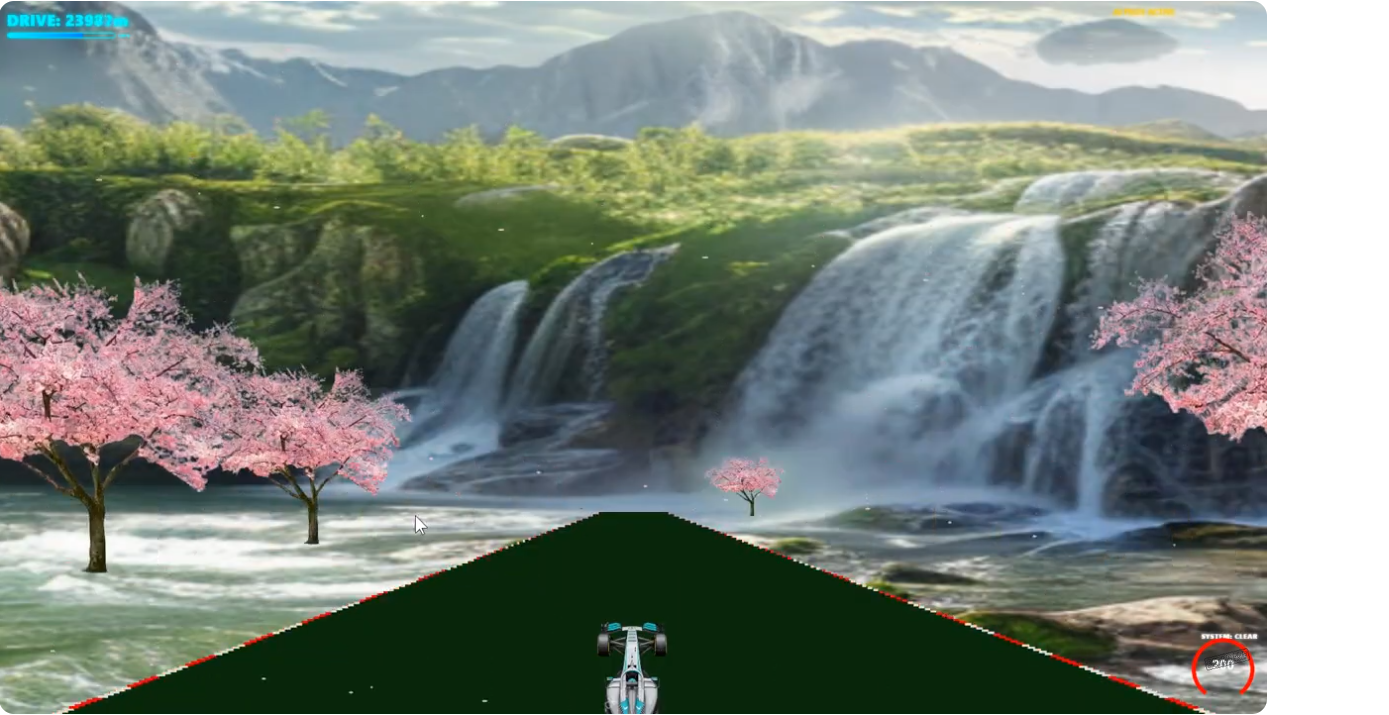
- Clear Mode (Cherry Blossom): Standard mode. Enjoy the scenery, but watch out for enemy vehicles.
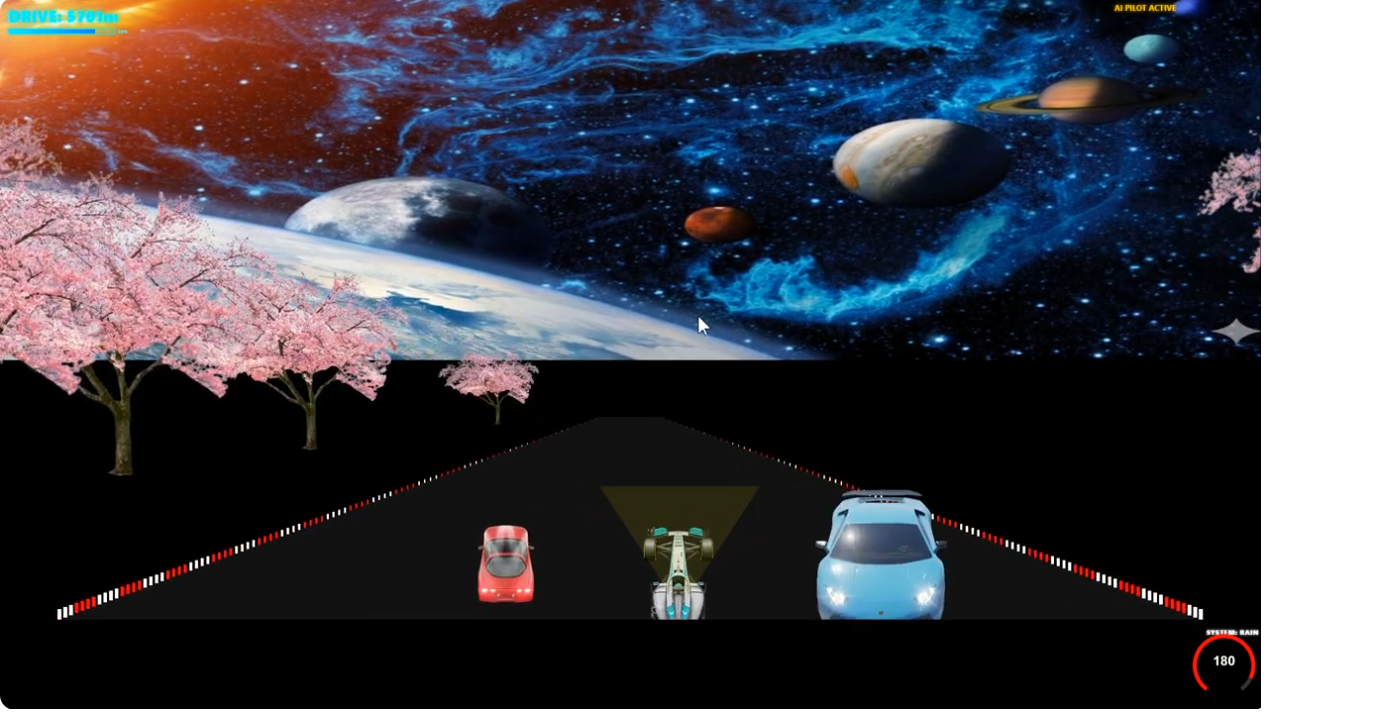
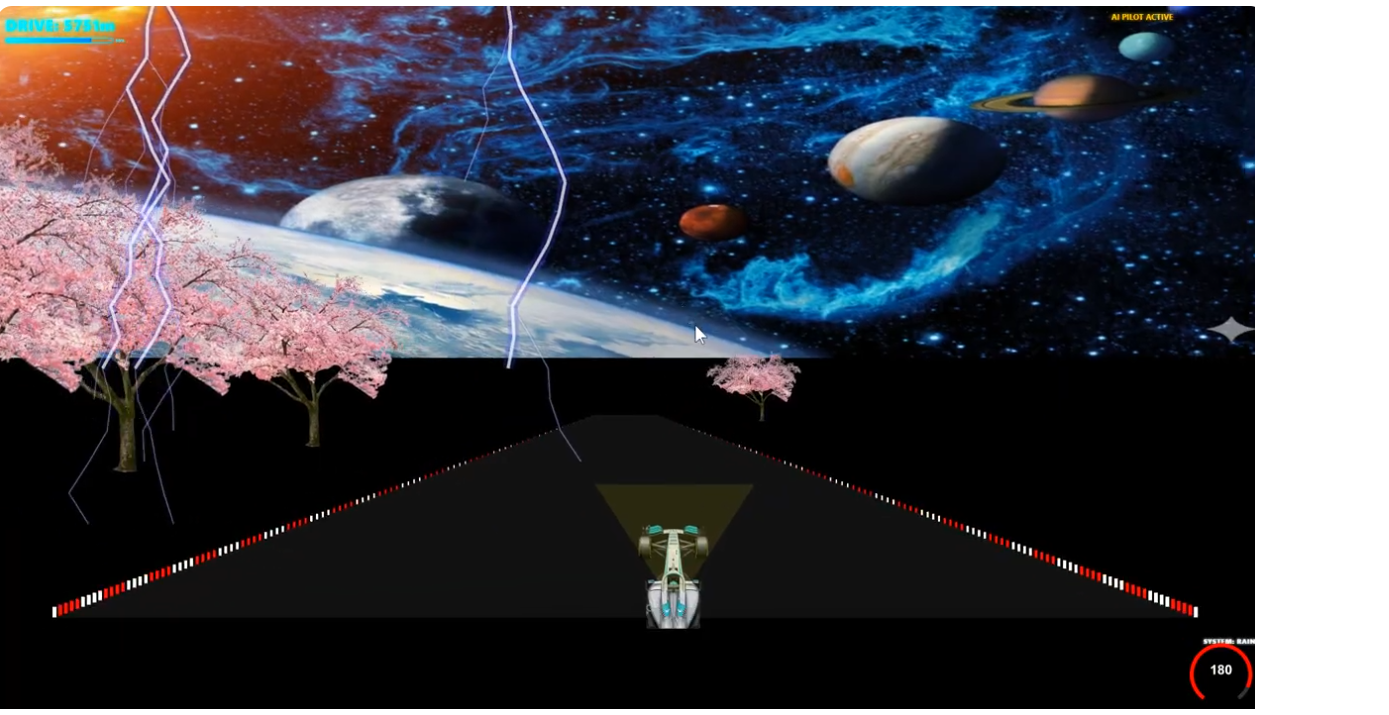
- Rain: Visibility is reduced. Watch out for lightning—strikes on the track can cause blindness and danger.
- Snow: The road becomes slippery. Your vehicle gains drift momentum, making steering harder but allowing for cool drift maneuvers. Enemy vehicles will also start "snaking" across the road.
🚀 Game Features
⛽ Fuel Management
- The fuel bar is located in the top-left corner.
- Fuel is constantly consumed during flight.
- How to Refuel: Collect the blue supply crates scattered along the road.
- Game Over: If your fuel drops to 0%, the mission fails.
🤖 AI Auto-Pilot
- Feeling overwhelmed? Press M to activate the AI Assistant.
- The system will automatically steer to avoid oncoming vehicles.
- Note: The AI focuses on safety; for high-speed precision item collection, manual control is recommended.
⚔️ Combat & Boss Battles
- Missiles: Up to 3 missiles can be on screen at once. They have a slight tracking effect on enemies.
- Tyrant-X: A Boss appears every 1250 meters. Use missiles to deplete the Boss's health bar shown at the top of the screen.
- Hazards: Avoid oil slicks and collisions with enemy ships. Impacts will cause your ship to spin out of control and drastically reduce speed.
🛠 Troubleshooting (itch.io Version)
- No Sound? Browsers require a "user gesture" to play audio. Click the "Start Screen" to enable engine sounds and music.
- Lagging? Ensure you are using a hardware-accelerated browser (Chrome or Edge recommended).
- Display Issues: This game is optimized for a 16:9 (1280x720) aspect ratio.